New to live streaming? This simple Poppo Live and Vone registration guide walks you through downloading the app, joining with agency code 73546256, and completing verification.
Get clear onboarding guidance and support as you set up your streamer account. Applying through our guide is free; platform eligibility and rewards depend on each app’s current rules.
Go to Google Play Store or App Store and search for Poppo Live (outside India) or Vone (India & international). Make sure you download the correct app for your region.
Need the download links? Visit our Poppo Live and Vone download page for available options.
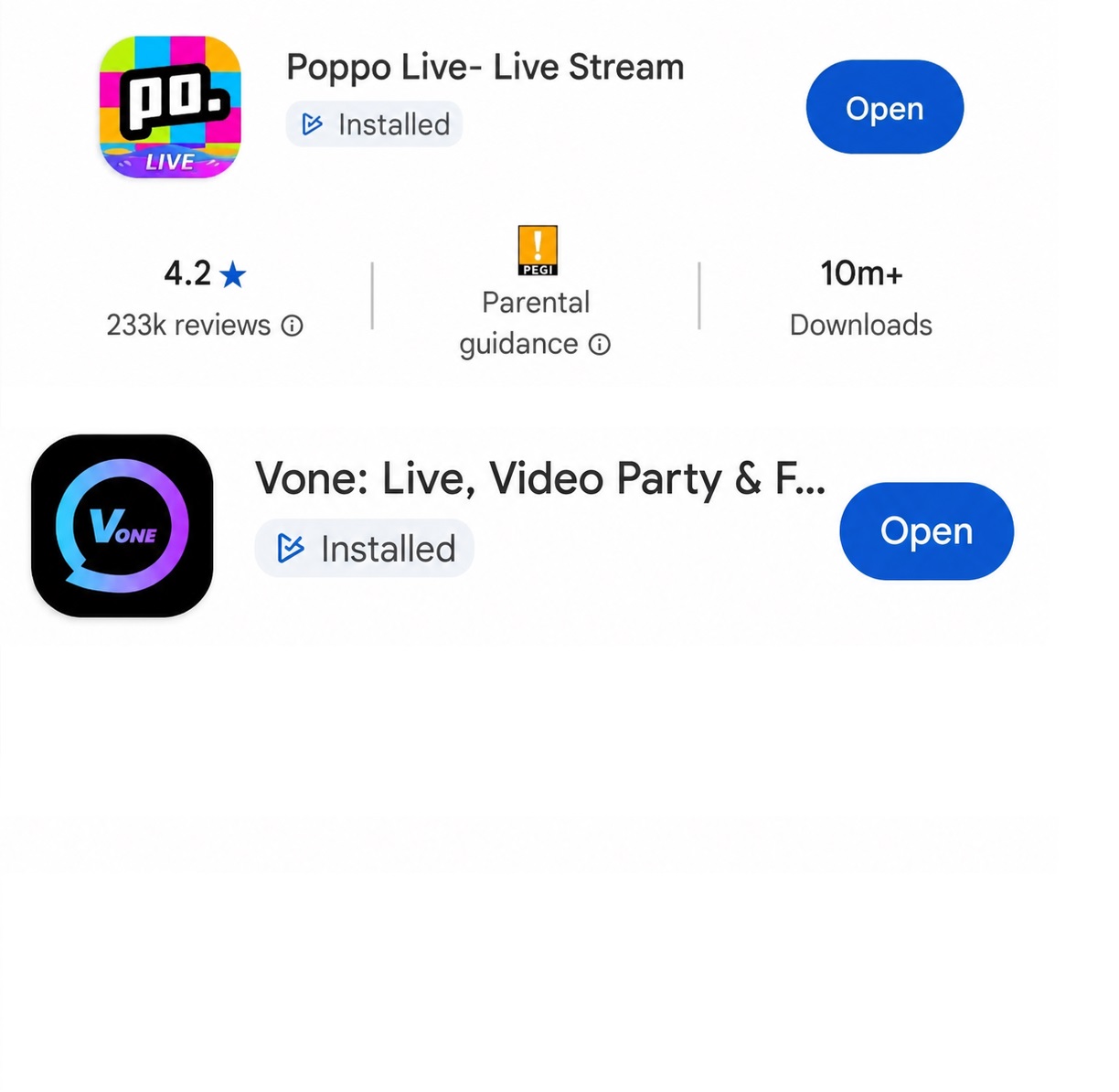
Open the app and register using your phone number, Google account, or another option shown in the app. Create a strong password and log in. If the app asks for an inviter or agency code during signup, use 73546256 and check the on-screen instructions.

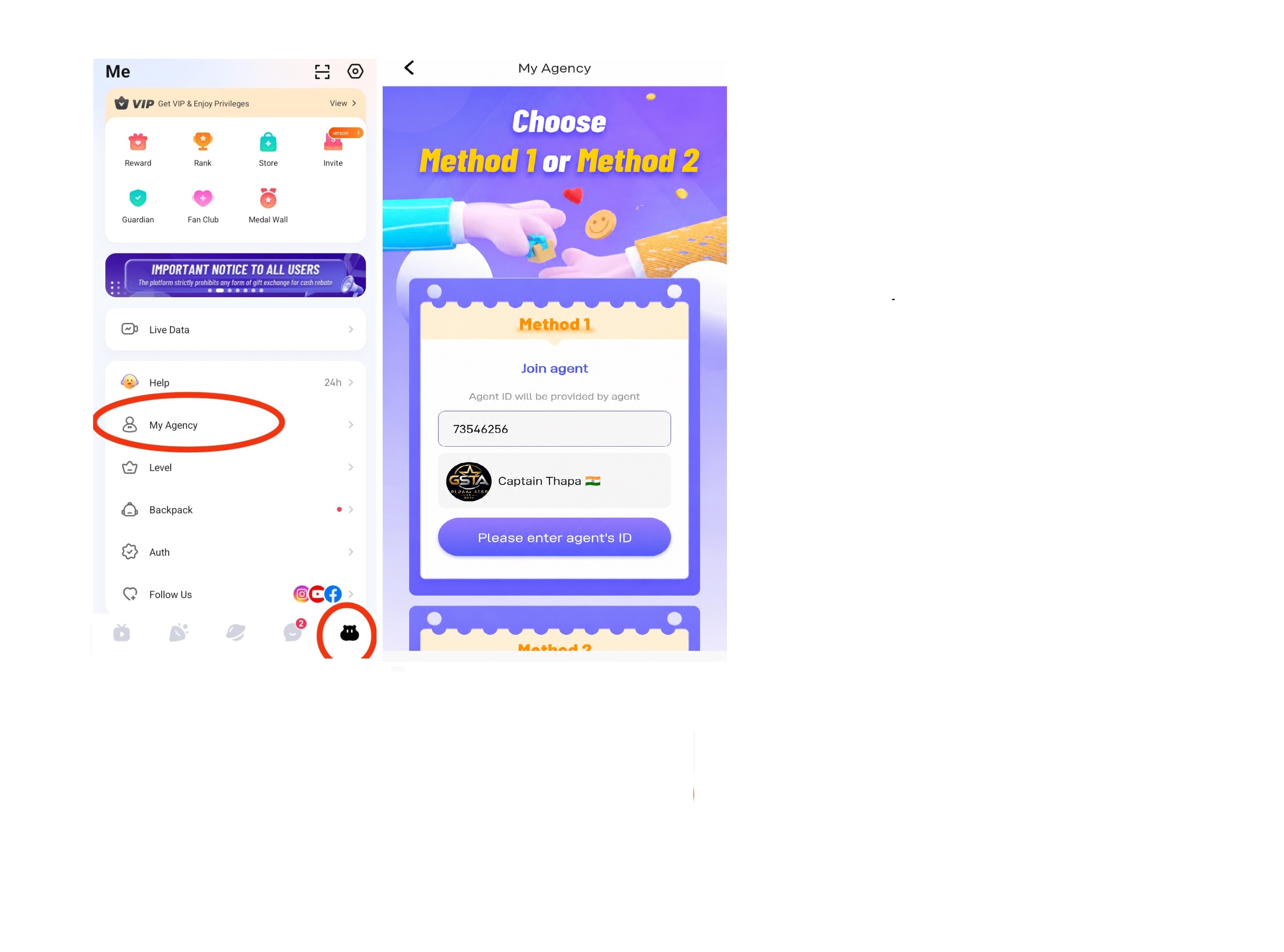
Navigate to the agency section inside the app. Enter the official agency ID below, then follow the displayed instructions to confirm. The exact menu wording may vary by app version.
Official Agency Code
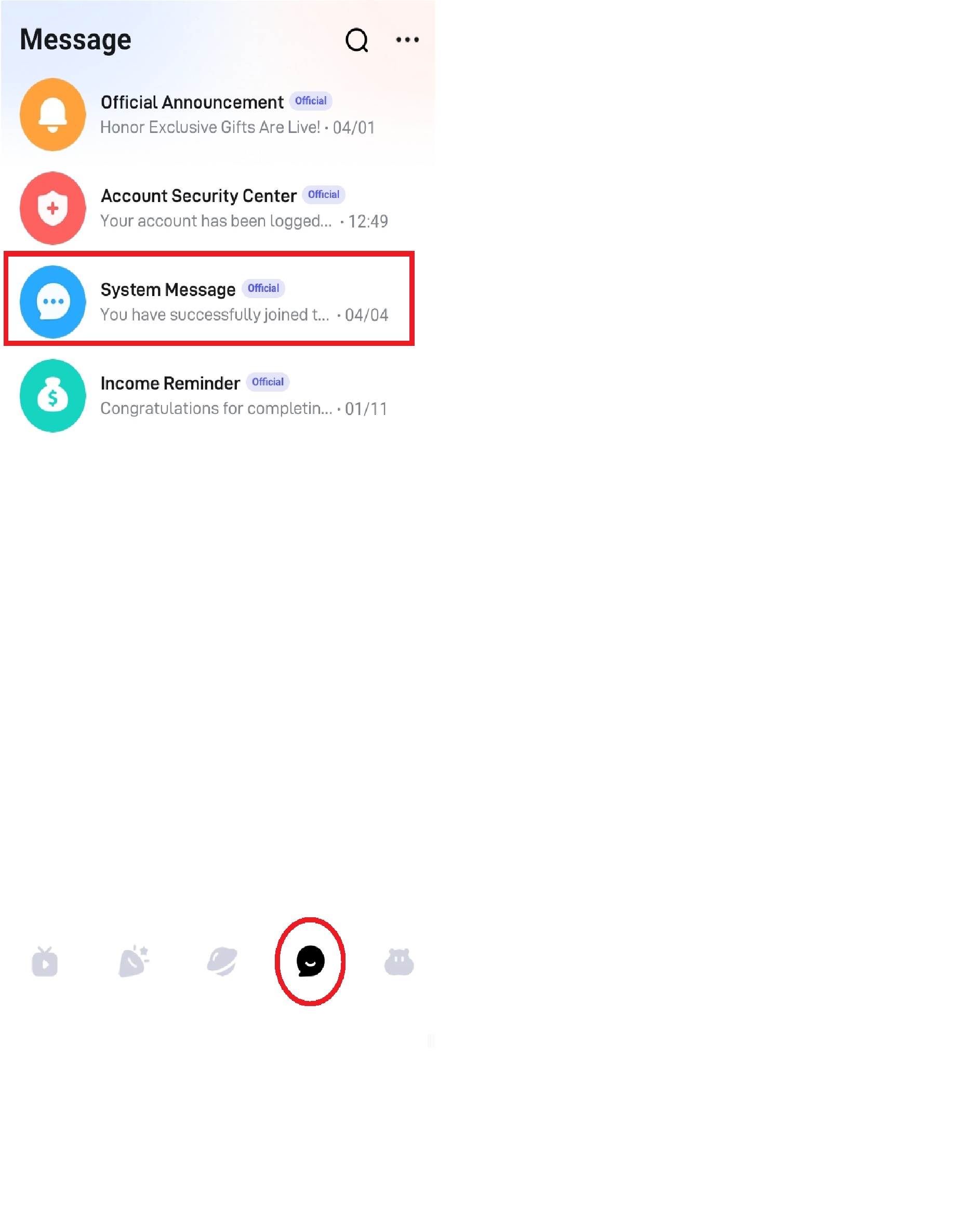
Check your system message for joining confirmation.
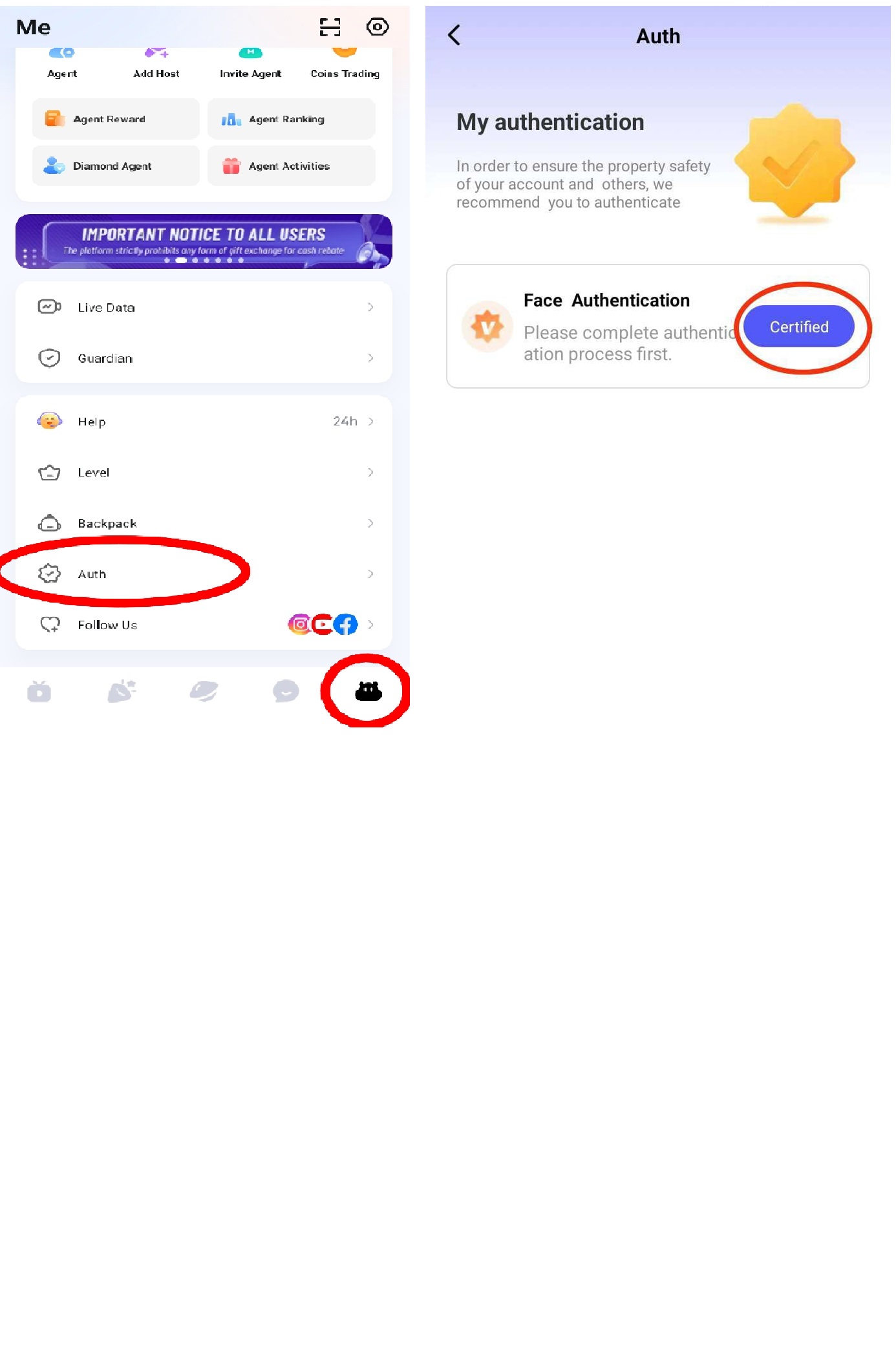
Complete the app’s face verification prompts if required. Follow the instructions shown on screen; access to features depends on successful verification and the platform’s current eligibility rules.
After completing the steps, send your Poppo/Vone ID to our team on WhatsApp for help with the next steps. We can guide you through agency onboarding; approval, features and rewards remain subject to the platform’s rules.
Earnings are not guaranteed and depend on platform rules, eligibility, audience activity and other factors. Never share passwords or verification codes with anyone.
Read common answers about app availability, agency codes, registration and verification on our FAQ page. If you need personal guidance, contact us on WhatsApp.